A Beginner’s Guide to GA4 Conversion Tracking
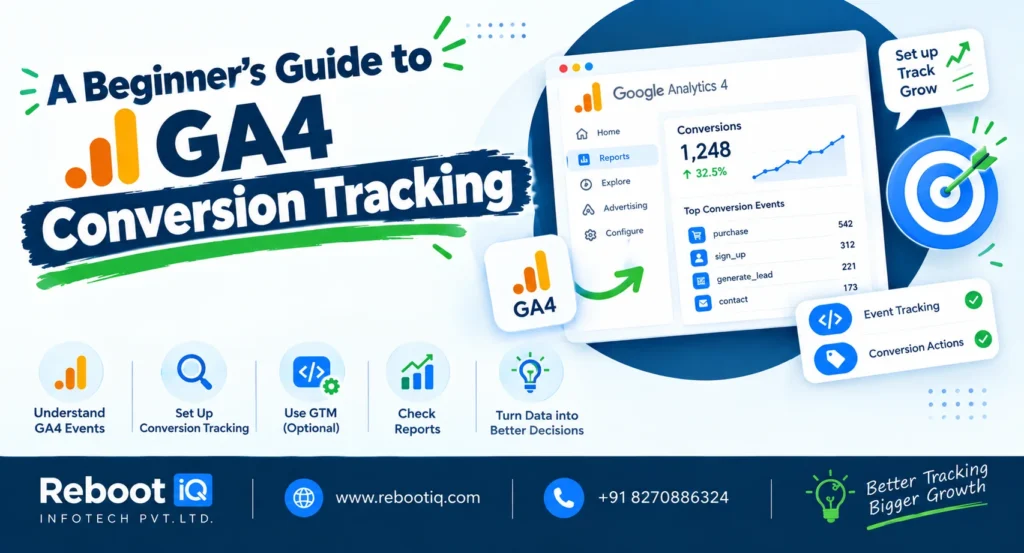
Google Analytics 4 (GA4) has become the standard analytics platform for businesses looking to understand website and app performance. One of its most valuable features is GA4 Conversion Tracking, which helps measure important user actions and evaluate marketing effectiveness.
Unlike previous versions of Google Analytics, GA4 uses an event-based data model. This means every interaction, such as page views, button clicks, video plays, and purchases, is tracked as an event. This flexible approach provides deeper insights into user behavior.
GA4 Conversion Tracking begins by identifying the actions that matter most to your business. These actions may include lead form submissions, newsletter sign-ups, product purchases, appointment bookings, or file downloads. Once these events are tracked, they can be marked as conversions.
The first step is creating or identifying the event you want to measure. GA4 automatically tracks several events, including page views, scrolls, outbound clicks, and file downloads. For custom actions, businesses can create custom events through Google Tag Manager or GA4 event settings.
After the event is created, navigate to the Events section in GA4. Locate the event and toggle the option to mark it as a conversion. From that point forward, every occurrence of the event will be counted as a conversion.
One of the biggest advantages of GA4 is its ability to track users across devices and platforms. This provides a more complete view of the customer journey compared to traditional analytics systems.
GA4 also offers advanced reporting capabilities. Businesses can analyze conversion paths, engagement metrics, audience behavior, and acquisition channels. These insights help marketers understand which campaigns contribute most to conversions.
Another powerful feature is integration with Google Ads. By linking GA4 and Google Ads accounts, businesses can import conversions directly into advertising campaigns. This enables more effective bidding strategies and audience targeting.
For e-commerce businesses, GA4 provides enhanced e-commerce tracking. This includes monitoring product views, add-to-cart actions, checkouts, and purchases. Such detailed data helps identify bottlenecks in the buying process and improve overall conversion rates.
A common challenge with GA4 Conversion Tracking is implementation accuracy. Incorrect event configurations can result in missing or duplicate data. Businesses should regularly test events using DebugView, a built-in GA4 feature that displays event activity in real time.
Privacy and data compliance are also important considerations. GA4 includes privacy-focused features designed to adapt to changing regulations and browser restrictions. Businesses should ensure proper consent management practices are in place when collecting user data.
Marketers can further improve performance by creating custom audiences based on conversion behavior. These audiences can be used for remarketing campaigns and personalized marketing strategies.
Another valuable use case is funnel analysis. Funnels help businesses understand where users drop off before completing a conversion. By identifying these obstacles, companies can optimize landing pages, forms, and checkout processes to improve results.
In conclusion, GA4 Conversion Tracking provides businesses with powerful tools to measure performance, understand user behavior, and improve marketing outcomes. By correctly configuring events and conversions, businesses gain valuable insights that support smarter decision-making and stronger growth. Whether you are a beginner or an experienced marketer, mastering GA4 Conversion Tracking is an essential step toward data-driven success.
