
How to Use Claude AI for Meta Ads Effectively
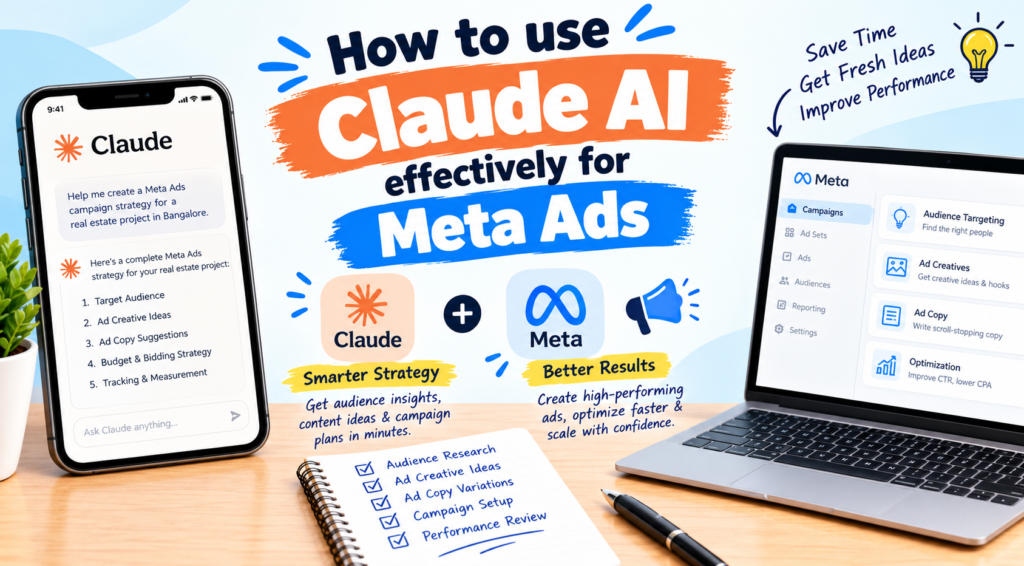
Running Meta Ads today means juggling creative testing, audience strategy, copy variations, and constant optimization. Claude AI won’t replace your judgment, but used well, it can cut hours from your workflow and sharpen your results. Here’s how to get the most out of it.
1. Start With Better Briefs, Not Better Prompts
The biggest mistake marketers make is typing “write a Facebook ad for my product.” Claude performs best when you give it context. Include:
- Product and offer: what you sell and the current promotion
- Audience: age, location, pain points, buying triggers
- Objective: leads, purchases, or app installs
- Tone and constraints: brand voice, banned words, character limits
A strong brief turns generic output into copy you can actually run.
2. Generate Ad Copy at Scale
Meta’s algorithm rewards creative variety. Ask Claude for multiple angles, not just multiple versions of the same idea:
“Write 5 primary texts for a preschool admission campaign. Use five different angles: fear of missing out, parent testimonial, safety, curriculum, and location convenience. Keep headlines under 40 characters.”
Testing angles beats testing word swaps. You’ll learn what motivates your audience, not just which phrasing clicks.
3. Build Audience Personas and Targeting Ideas
Claude is excellent at turning vague audiences into clear personas. Describe your customer and ask for interests, behaviors, objections, and the questions they ask before buying. Use these insights to build interest stacks, lookalike seed ideas, and creative hooks that speak to real concerns.
4. Brainstorm Creative Concepts and Hooks
Video ads live or die in the first three seconds. Ask Claude for hook ideas, UGC-style scripts, and carousel storyboards. Try prompts like:
“Give me 10 scroll-stopping hooks for a real estate reel targeting first-time homebuyers in Bangalore.”
Then hand the strongest scripts to your designer or video editor.
5. Analyze Campaign Data
Paste exported metrics (CTR, CPC, CPL, frequency, ROAS) into Claude and ask for diagnosis. For example:
“Here’s my ad set data. Identify what’s underperforming, suggest likely causes, and recommend three tests.”
Claude can spot patterns like creative fatigue, weak landing page conversion, or audience overlap. Always verify its conclusions against your Ads Manager, since Claude only knows what you share.
6. Improve Landing Pages and Funnel Copy
Great ads fail on weak landing pages. Share your page copy and ask Claude to check message match between ad and page, clarify the call to action, and tighten the headline. This often lifts conversion rates more than any targeting tweak.
7. Create Reporting and Client Updates
If you manage multiple accounts, Claude can turn raw numbers into clear weekly reports. Provide the data and ask for a summary covering wins, issues, learnings, and next steps in plain language clients understand.
8. Build Reusable Prompt Templates
Save your best prompts for recurring tasks: ad copy, audience research, monthly reports, creative briefs. Consistency saves time, and refining a template improves every future output.
Common Mistakes to Avoid
- Publishing without editing. Always review for accuracy, brand voice, and compliance.
- Ignoring Meta’s policies. Avoid unverifiable claims, personal attributes, and misleading promises.
- Treating Claude as an oracle. It suggests; your data decides.
- Skipping iteration. Reply with “make it shorter,” “more emotional,” or “less salesy.” Refining is where the magic happens.
Conclusion
Claude works best as a creative and analytical partner. Use it to generate ideas faster, test more angles, interpret data, and communicate results clearly. Your expertise in strategy, budgets, and platform nuances stays essential, but with Claude handling the heavy lifting, you can spend more time on what moves the needle: smart testing and scaling winners.
Start small. Pick one task this week, like writing five ad angles, and build from there.
